Jaiho 777 APK Not Installing? Android Fix Guide
Jaiho777 APK not installing? Check package, signer, Android version and storage before changing phone…


Last updated: 26 August 2026
If an app reviewed on YonoRummy doesn’t install like a typical Play Store download, that’s expected — it’s how nearly every real-money rummy app works in India. This guide covers the actual steps, the phone settings you’ll need to change, and the mistakes that most commonly lead to installing something you shouldn’t have.
Google’s policies around real-money gaming are strict enough that most apps in this space distribute from their own websites instead. It’s the default for the category, not a signal that a specific app is doing anything wrong. The tradeoff is a couple of extra steps and more responsibility on your end for verifying the source than a Play Store install would require.
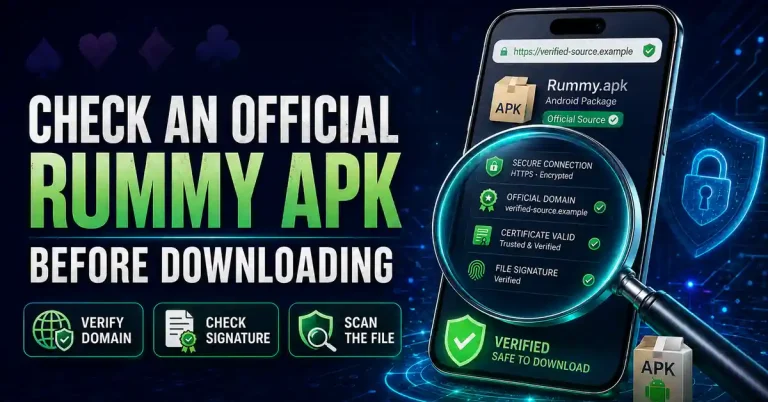
Get the link from a source you trust — the app’s own official page, or a review on this site where we’ve already verified it. Avoid forum links, messaging-group shares, and generic APK aggregator sites, since these are the most common places a tampered file gets substituted for the real one.
Many phones prompt for this automatically the moment you try to open a downloaded APK, which skips the settings hunt entirely.
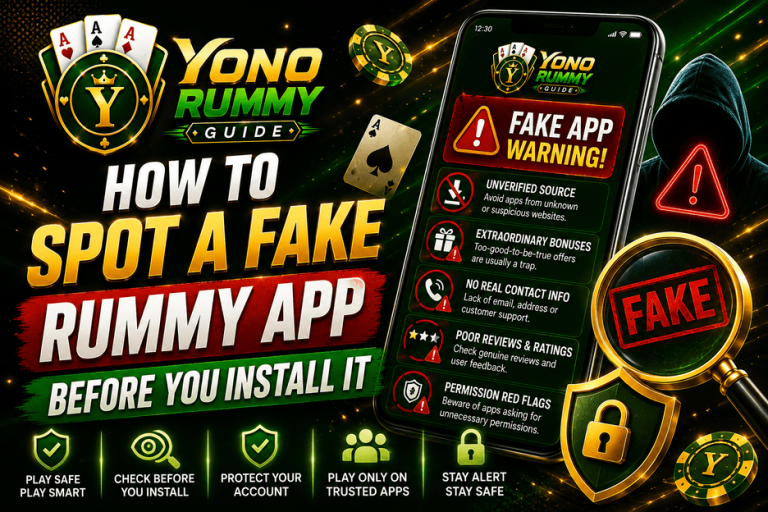
A rummy app reasonably needs storage and network access. It doesn’t obviously need access to your contacts, call logs, or SMS messages — permissions like these have no clear connection to playing a card game, and seeing one requested is worth pausing on before you continue. This isn’t automatic proof of a problem, but it’s a legitimate reason to double-check your source first.
Usually one of three causes: an incomplete download (redownload it), an older version already installed and conflicting (uninstall it first), or insufficient storage. If a clean redownload from the official source still fails, treat that as a signal to stop rather than search for the file elsewhere.
Android’s Play Protect can flag apps outside the Play Store simply because it can’t verify them the way it verifies Play Store apps — this happens to plenty of legitimate apps in this category. Treat it as a prompt to reconfirm your source, not a reason to permanently disable the warning.
Check your phone meets the app’s system requirements first. If it does and the crash continues, a corrupted download is the next likely explanation — try redownloading before assuming a deeper compatibility issue.
For a deeper look at telling a real app apart from a cloned one before you even reach this step, see our guide to spotting fake or cloned rummy apps.
Once you’re done, it’s worth returning to settings and disabling the “Install Unknown Apps” permission for whichever browser or file manager you used. Not dangerous to leave on, but switching it back off restores a small layer of friction that’s useful the next time you’re about to install something you haven’t fully vetted.
Beyond the app’s own install size, leave extra room on your device — updates tend to run larger than the initial install, and Android needs working space during the install process itself. Running a device close to full storage is a common, easily overlooked cause of installs failing partway through for reasons that have nothing to do with the app or the source.
Everything above covers Android, which is how almost every rummy app install happens in India. iOS is separate — Apple’s rules around real-money gaming are even tighter than Google’s, so most apps in this category either skip iOS entirely or use a separate installation method specific to the developer. If an app’s official page doesn’t mention iOS, that’s usually a genuine gap rather than a documentation oversight.
Sideloaded apps don’t auto-update the way Play Store apps do. Check the app’s own notifications, or its official page periodically, for a newer version. When updating, follow the same process as the original install — official source, quick verification, install over the existing app rather than uninstalling first, since your account and balance live on the app’s servers rather than your device.
Ready to pick an app? Our directory of reviewed apps lists the official download link and app-specific notes for everything we’ve covered, so you’re not starting the verification process from scratch each time.
Jaiho777 APK not installing? Check package, signer, Android version and storage before changing phone…
 APK Safety
A familiar icon can make a download feel safe before you have checked anything…
 APK Safety
Any app popular enough to show up in your search results is popular enough…